AnnualCreditReport.com is the only free, federally-authorized source for your reports. The catch: it sends you out to each bureau's own website, one at a time, and each one hides the download in a different place. Here's the whole path.
Save each report as a PDF. When your Settle onboarding opens, you'll be asked to upload them.
1. Start at AnnualCreditReport.com
Go to annualcreditreport.com, click "Request yours now," fill in the short identity form, and select all three bureaus — Equifax, Experian, and TransUnion.
2. You'll do one bureau at a time
The site hands you off to each bureau's own website, then back again. This hub is your home base in between — a checkmark means that bureau's done, the green arrow is the one to do next.
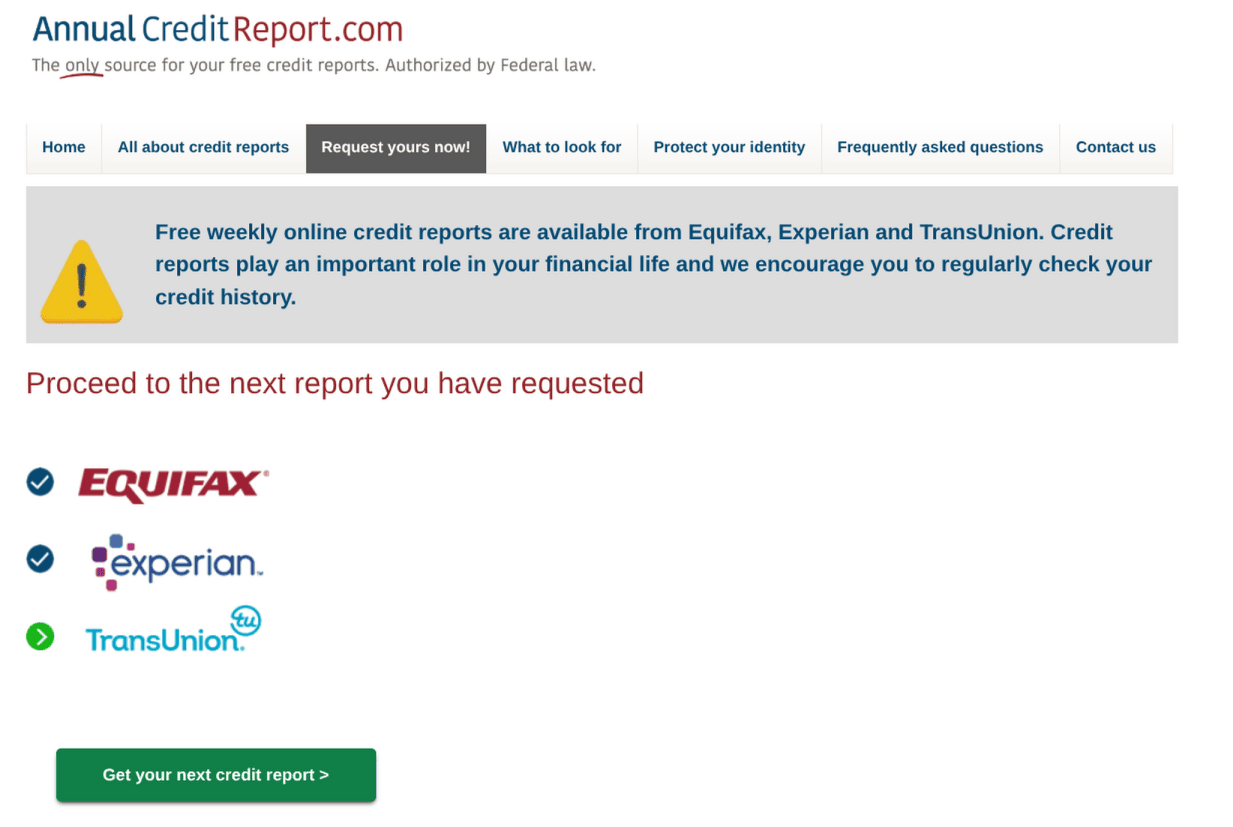
Click to start the next bureau
3. On the bureau site, find "Print or Save"
Look along the top of the report — every bureau words it differently. When the print dialog opens, choose "Save as PDF" as the destination.
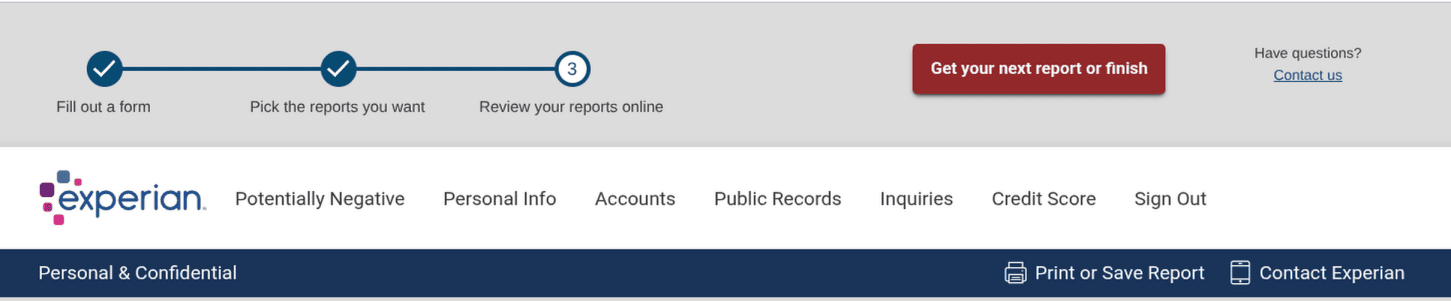
Experian: "Print or Save Report"

TransUnion: "Print or Save My Report"
4. Expand every account before you print
One bureau is print-only and shows each creditor collapsed. Click every account to open it first — otherwise the balances and history get cut off the saved PDF.
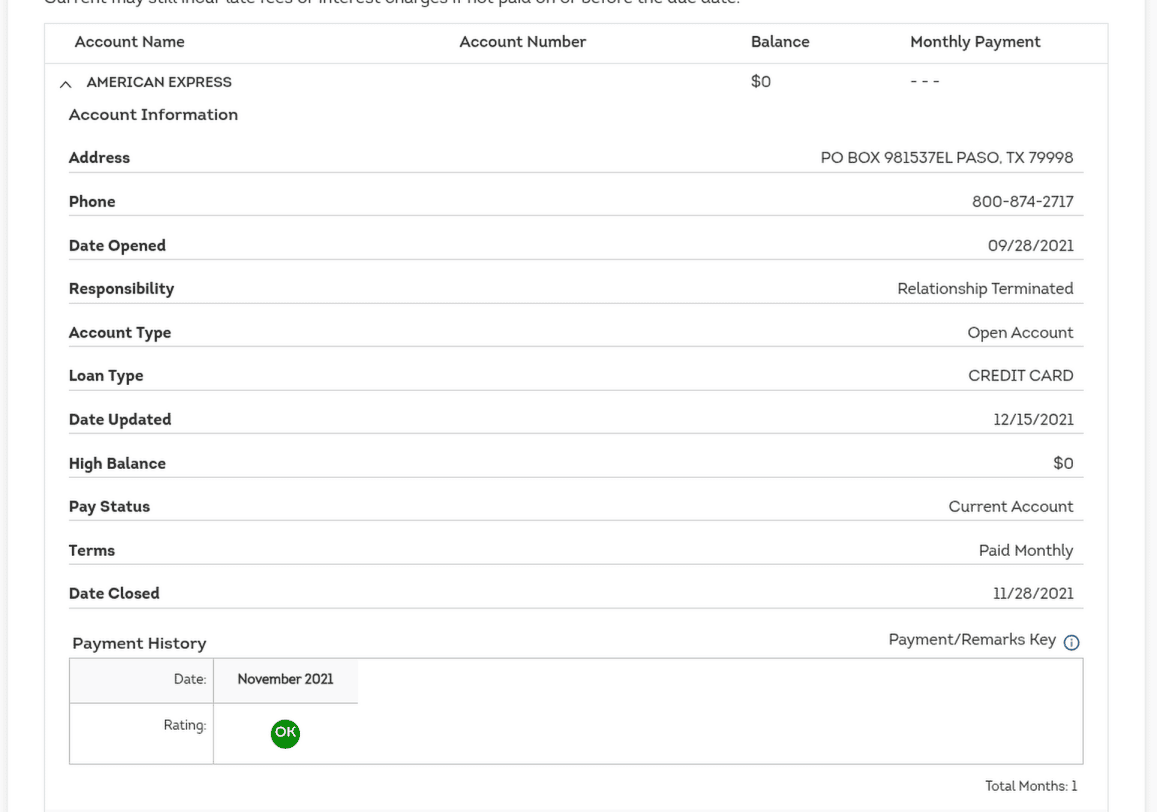
Click each account to expand it
5. Head back for the next one
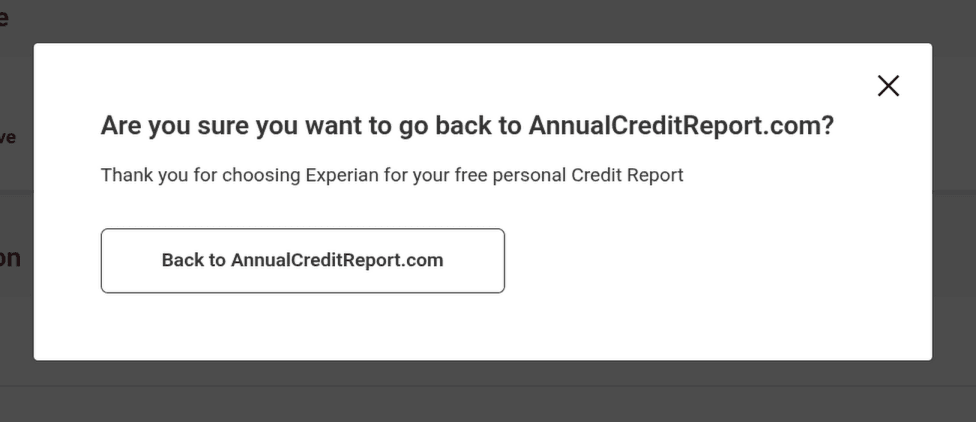
When you finish a bureau it asks if you're sure you want to leave — say yes, "Back to AnnualCreditReport.com," then use "Get your next report" to start the next bureau. Repeat until all three PDFs are saved.

6. Upload them to Settle at onboarding
When your Settle onboarding opens, you'll be asked to upload your reports — drop each PDF into its bureau slot. You don't need all three to continue — add whatever you have, and the rest later.